Media
Orbit Station videos
Short videos of Orbit Station, the free, local-first Chrome new tab extension. See how tab stacks, ⌘K search, workspaces and looks work, and get the key dates and a checklist for moving from Arc to Chrome.
Orbit Station is free on the Chrome Web Store. Features that need Pro are labeled Pro in every video.
Moving from Arc to Chrome
Featured · 0:27
Arc stops Dec 22: key dates and what to do first
Arc stops working on Dec 22, 2026. Dec 15 is the last day to request a copy of your Arc account data. It is not an export deadline: Spaces and tabs can still be exported until Dec 22. A 3-step checklist before you move to Chrome.
-
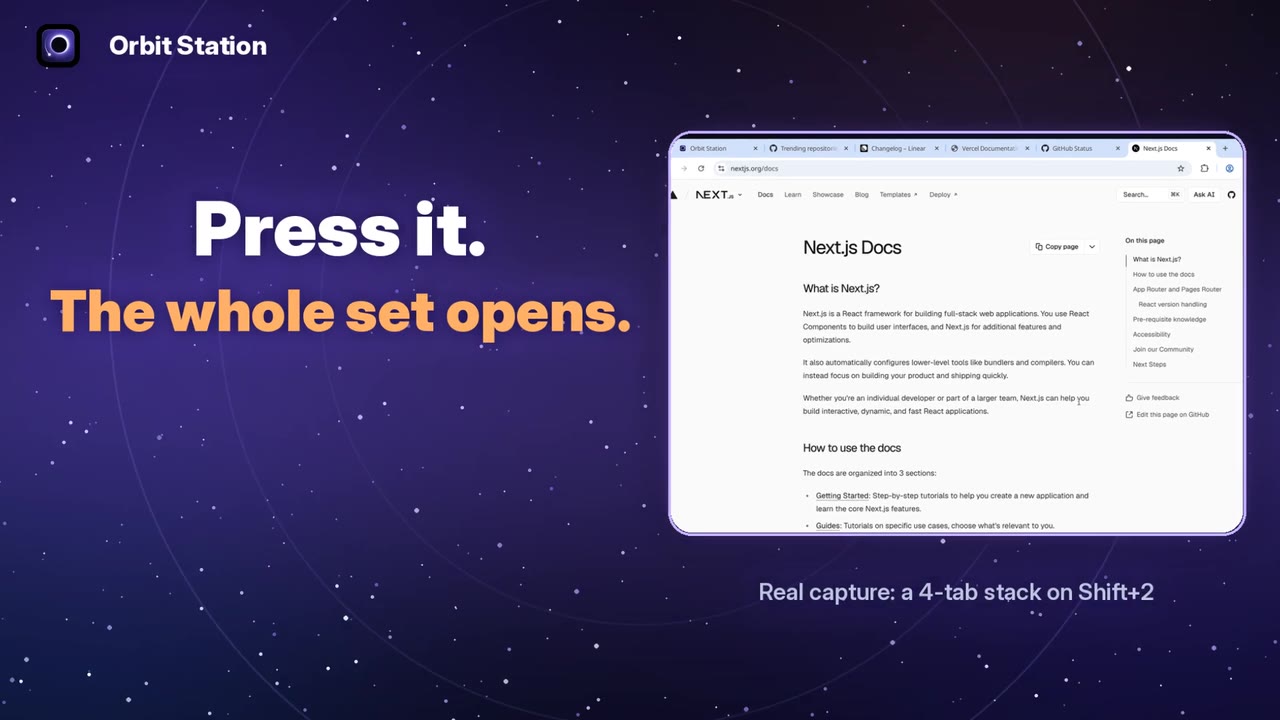
Save a set of tabs as a stack in Orbit Station, give each stack its own keyboard shortcut, and open the whole set from any tab. Shortcuts 1 and 2 work by default; set 3 to 9 at chrome://extensions/shortcuts.
Guide
Arc to Chrome guideFAQ
Arc sunset FAQImport
How the Arc import works

What's new
-
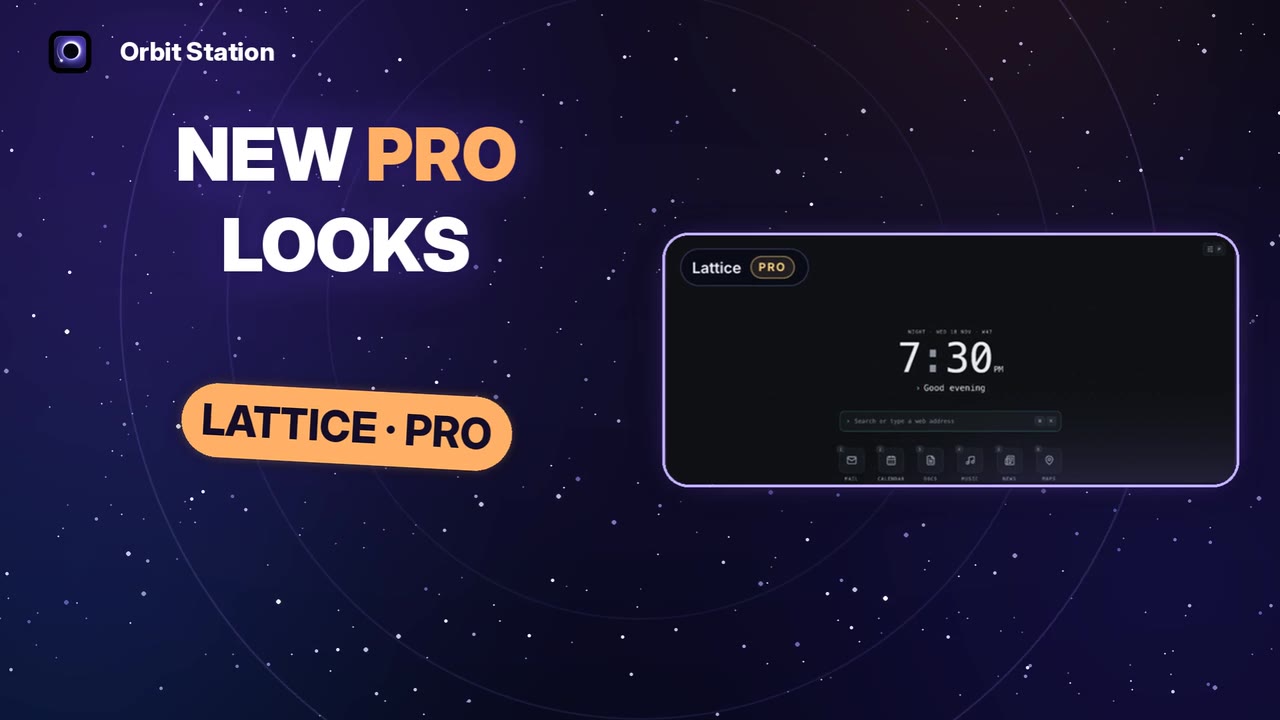
Orbit Station 1.9.4 adds the Spaces look, four home layouts and Packs. Classic and the first pack are free. Minimal, Focused and Custom layouts, the Lattice and Gouache looks, and extra Packs are Pro, with a preview before you buy.
Free Classic layout, first pack, Ecliptic and Spaces looks. Pro Minimal, Focused, Custom layouts; Lattice and Gouache looks; extra Packs.
-
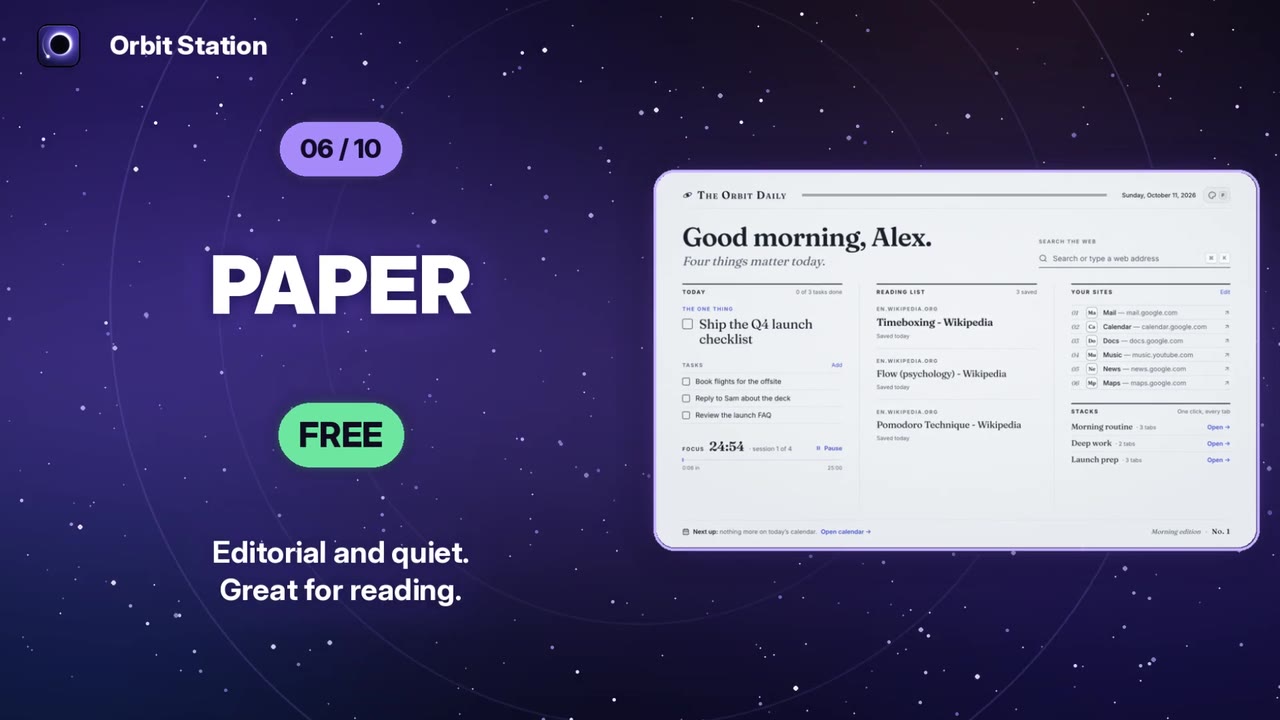
A fast tour of all ten Orbit Station looks: Ecliptic, Clean, Galaxy, Focus, Photo, Paper, High contrast and Spaces are free. Lattice and Gouache are Pro, with a preview before you buy.
Free Ecliptic, Clean, Galaxy, Focus, Photo, Paper, High contrast, Spaces. Pro Lattice, Gouache.
-
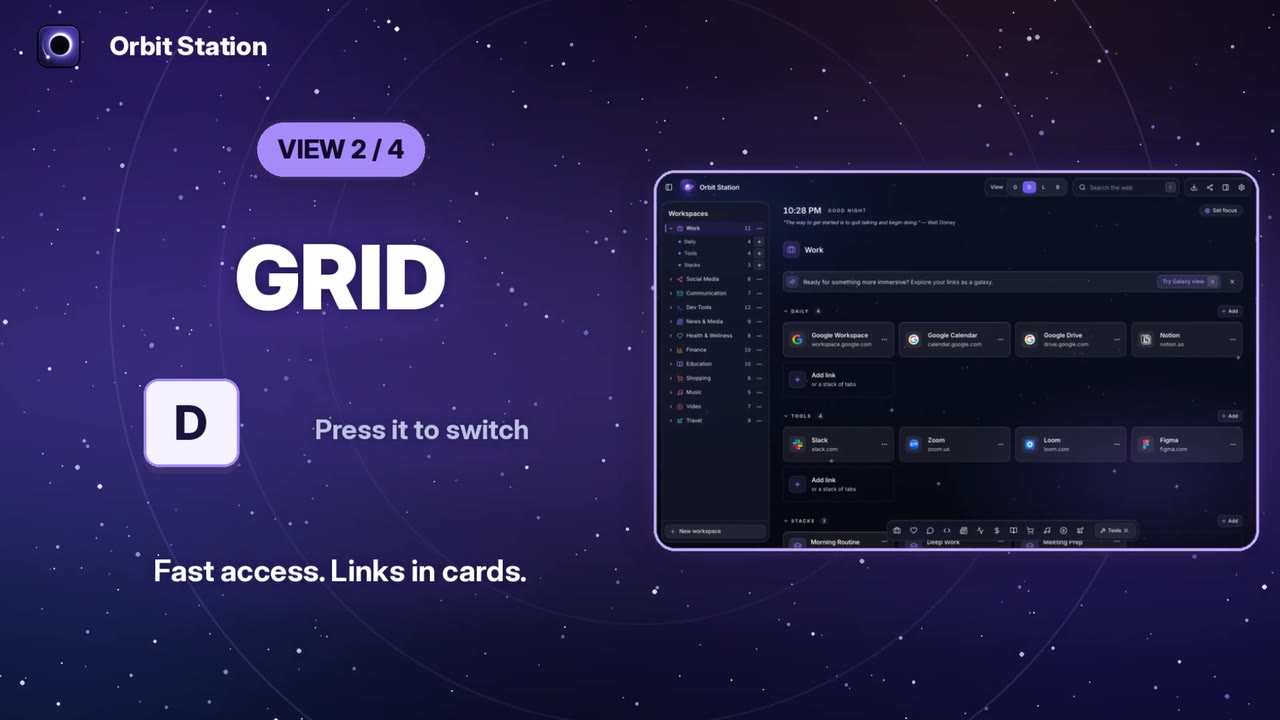
Galaxy is Orbit Station's free signature look: your workspaces as textured planets, with a command palette on Ctrl/⌘+K and Grid, List and Board views one key away.
Release notes
What's new in Orbit Station


Feature demos
-
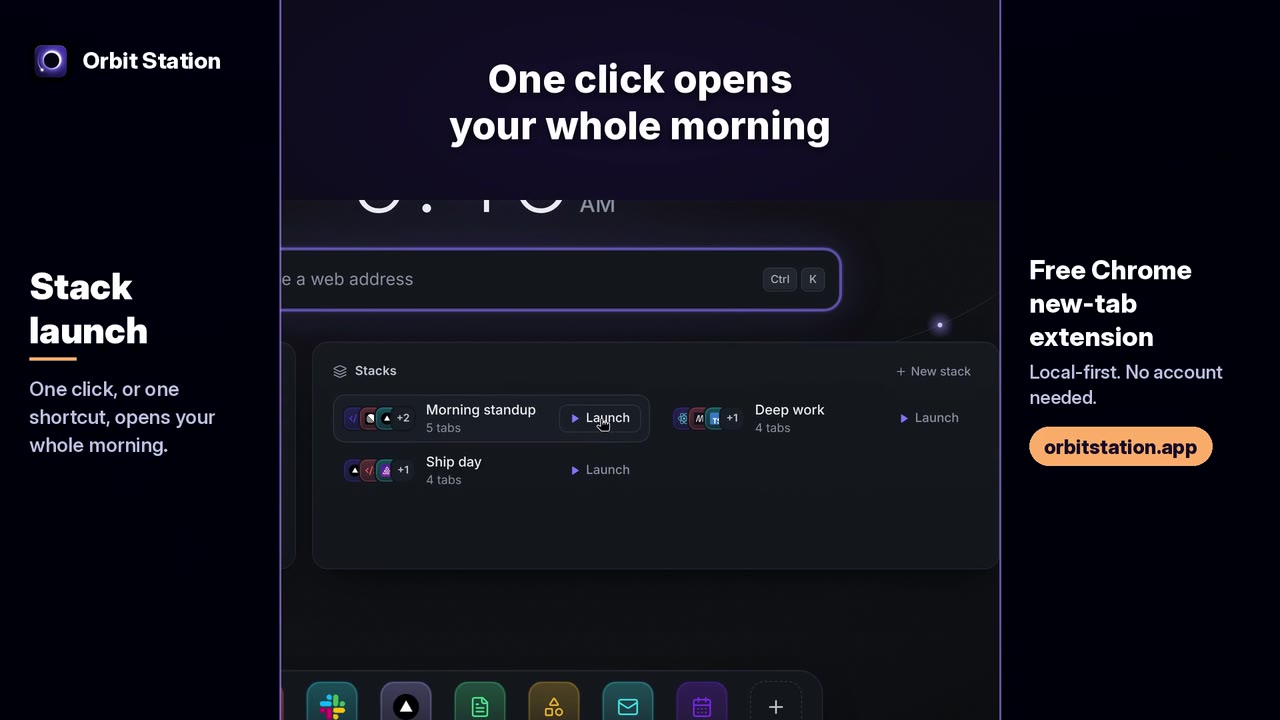
Save the sites you open every morning as a stack, then launch them all with one click or with Ctrl/⌘+Shift+2 from any tab. Demo data in the clip.
Recorded on an earlier Orbit Station build, with demo data.
-
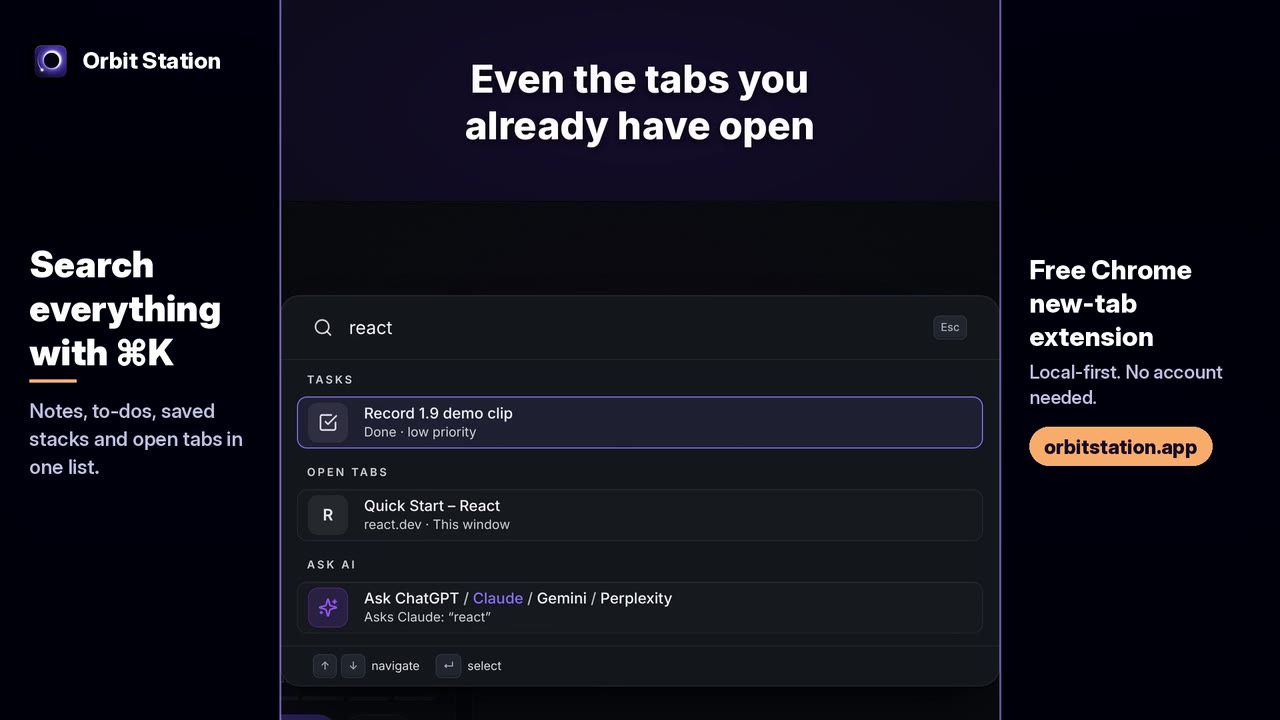
Press Ctrl/⌘+K on the Orbit Station new tab to search notes, to-dos, saved stacks and the tabs you already have open, and to run commands like closing duplicate tabs or importing from Arc.
Recorded on an earlier Orbit Station build, with demo data.
-
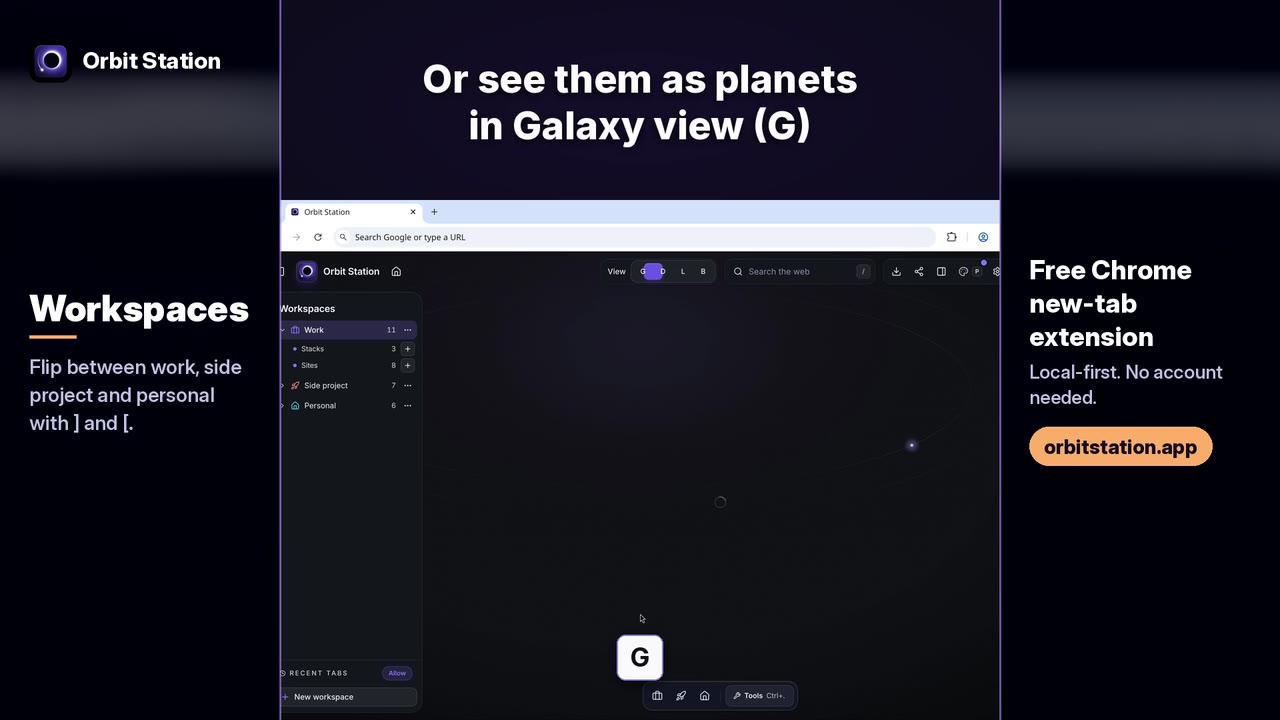
Orbit Station keeps work, side projects and personal links in separate workspaces. Press ] and [ to flip between them, or press G for Galaxy view.
Recorded on an earlier Orbit Station build, with demo data.
-
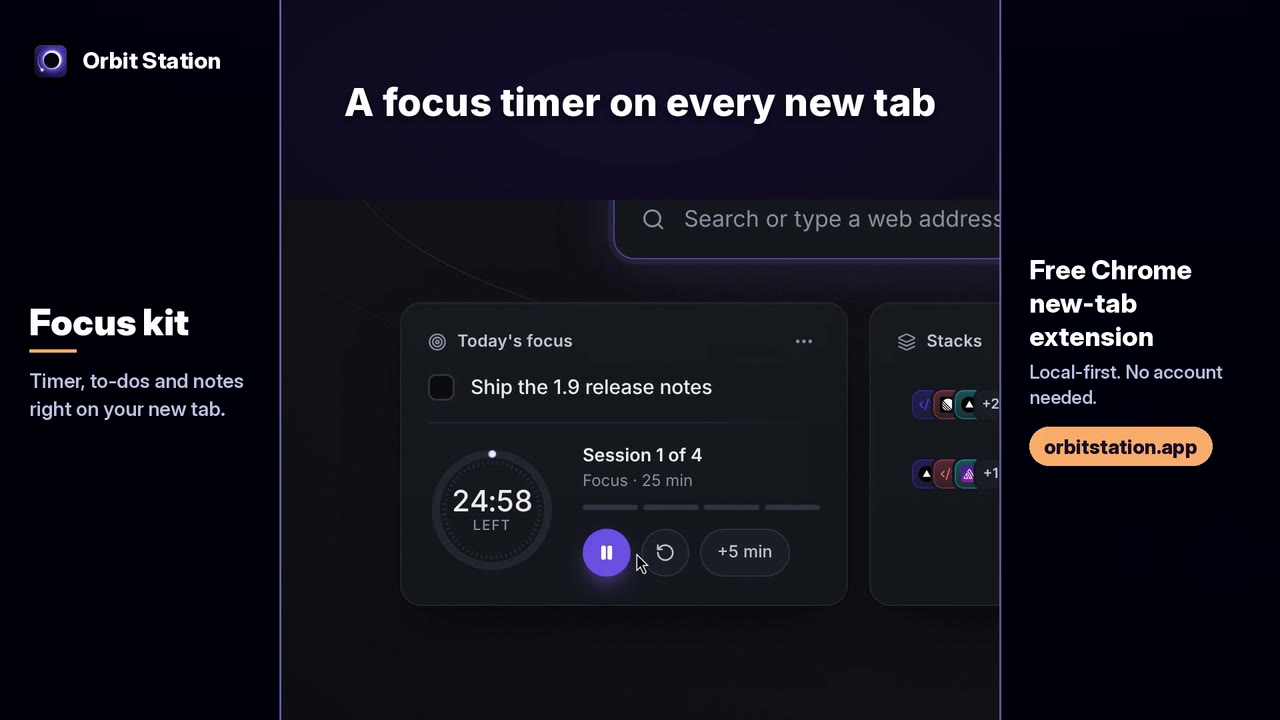
A Pomodoro focus timer, to-dos that understand plain language like "every friday", and quick notes, all on the Orbit Station new tab. Stored locally in the browser; no account needed.
Recorded on an earlier Orbit Station build, with demo data.
-
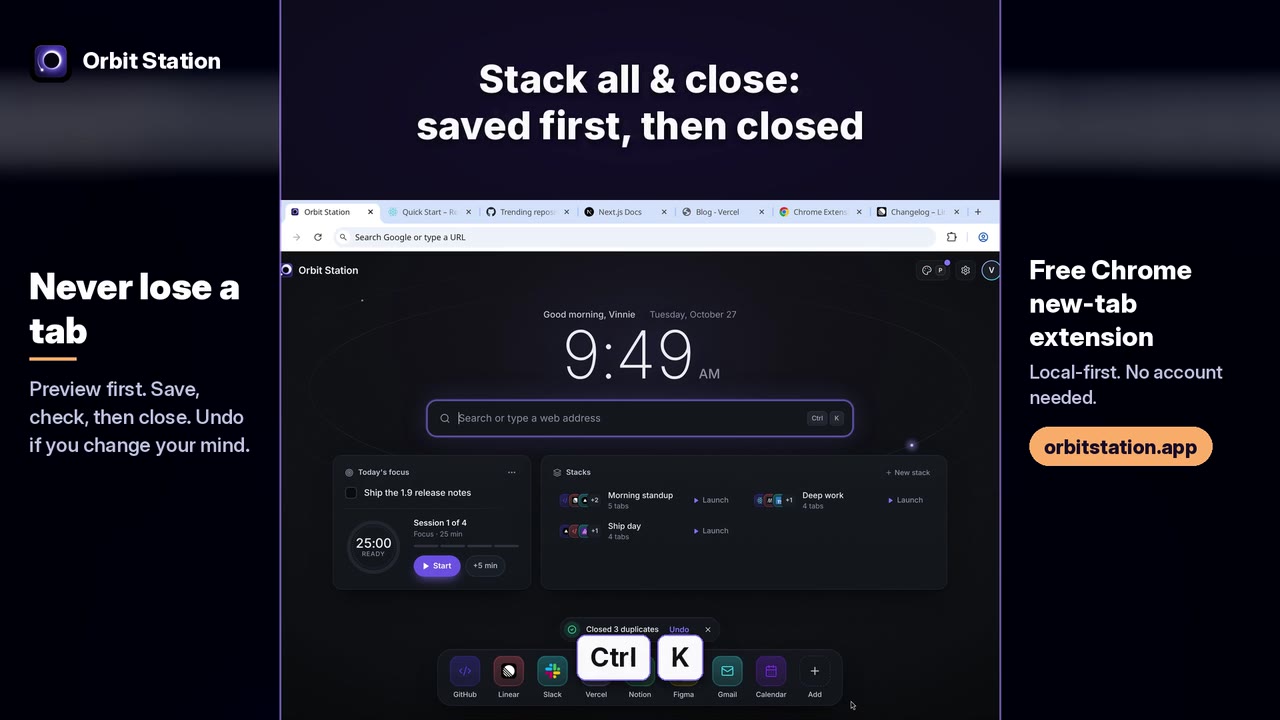
Orbit Station 1.9 shows which duplicate tabs will close before closing them. Stack all & close saves the window as a stack, checks the save, then closes it. Undo, or reopen the session later.
Recorded on an earlier Orbit Station build, with demo data.
-
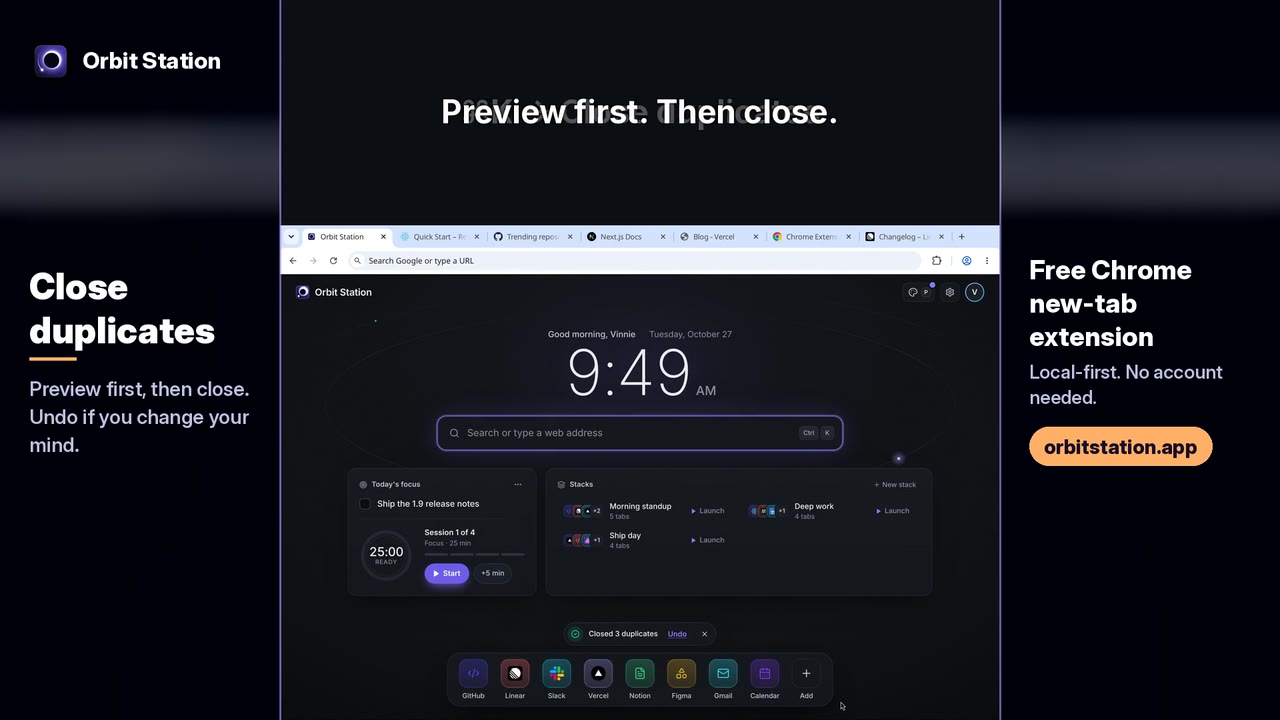
Close duplicates in Orbit Station shows what will close before it closes. Preview first, then close, with Undo if you change your mind.
Recorded on an earlier Orbit Station build, with demo data.
-
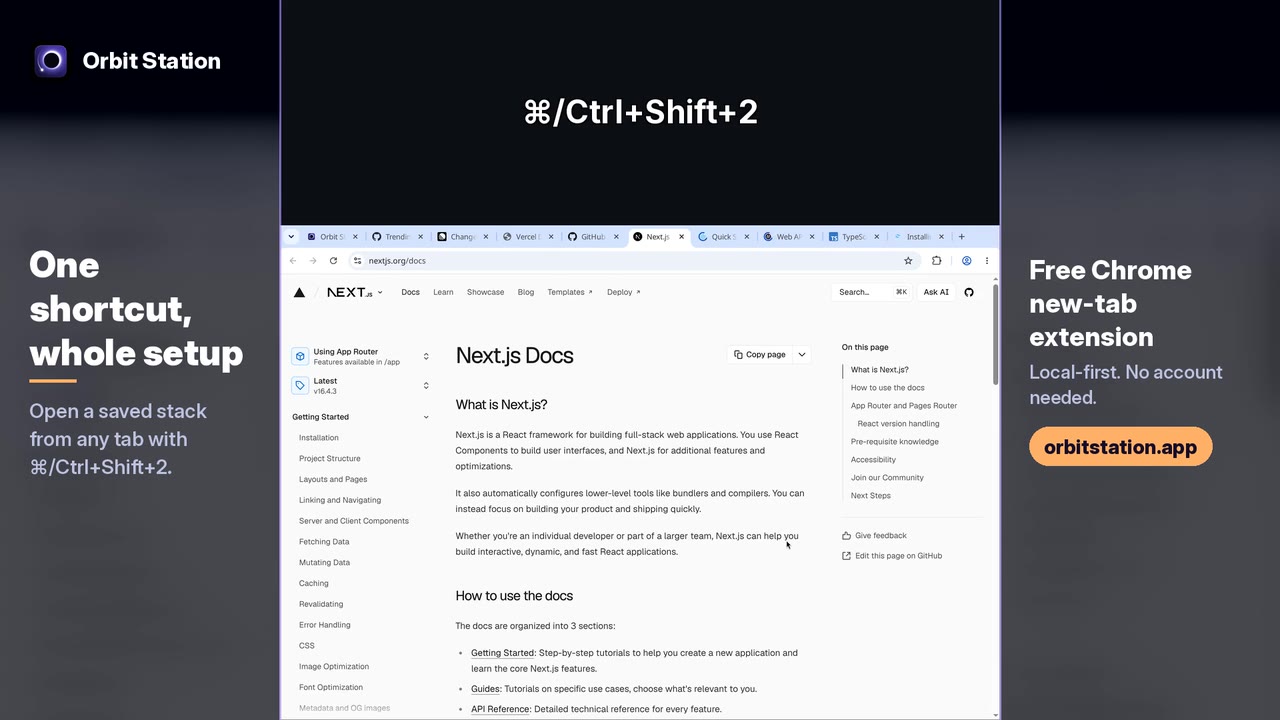
Press Ctrl/⌘+Shift+2 from any tab, even a docs page, and the saved "Deep work" stack opens. Orbit Station stacks work from any tab, not just the new tab page.
Recorded on an earlier Orbit Station build, with demo data.
Guide
Save your open tabs in ChromeImport
Import from Arc


Full demo
-
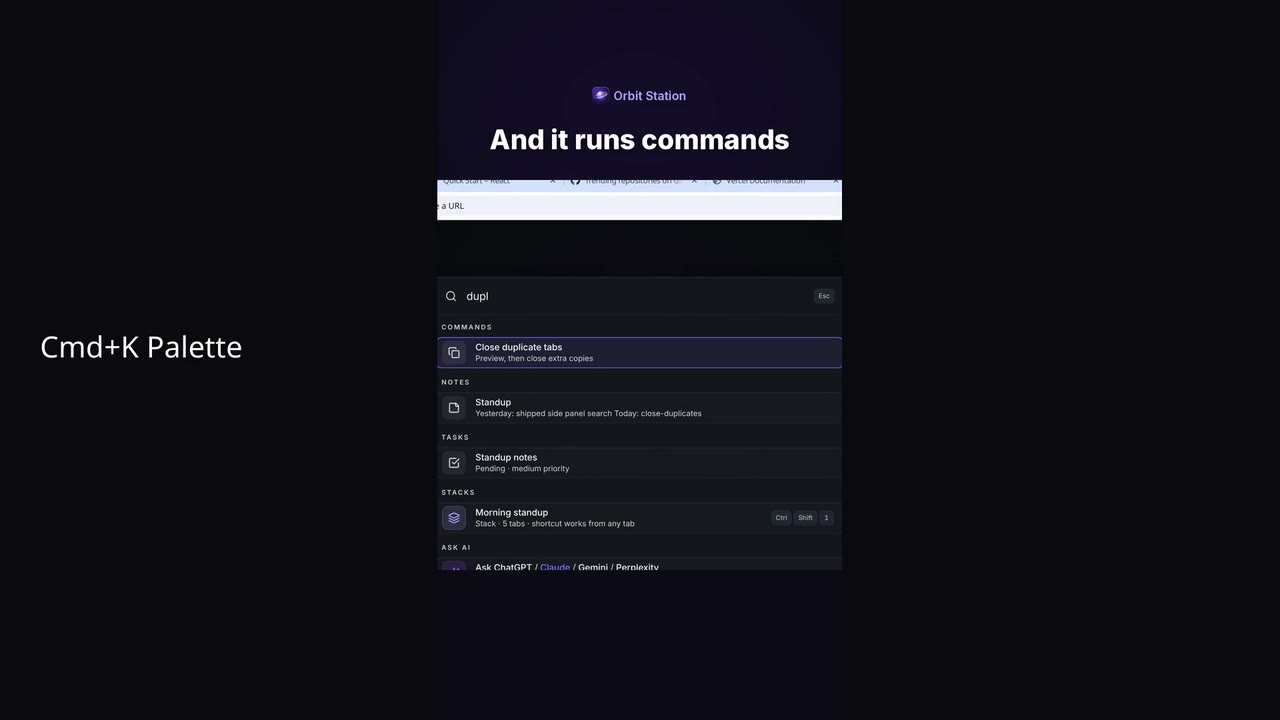
The full Orbit Station demo: tab stacks, ⌘K search, workspaces, a focus timer, notes and to-dos on a free, local-first Chrome new tab.
Recorded on an earlier Orbit Station build, with demo data.


Add Orbit Station to Chrome
A free new tab with workspaces, stacks and ten looks. Local-first, no account needed.